
RocketPlay Login for Australian Accounts
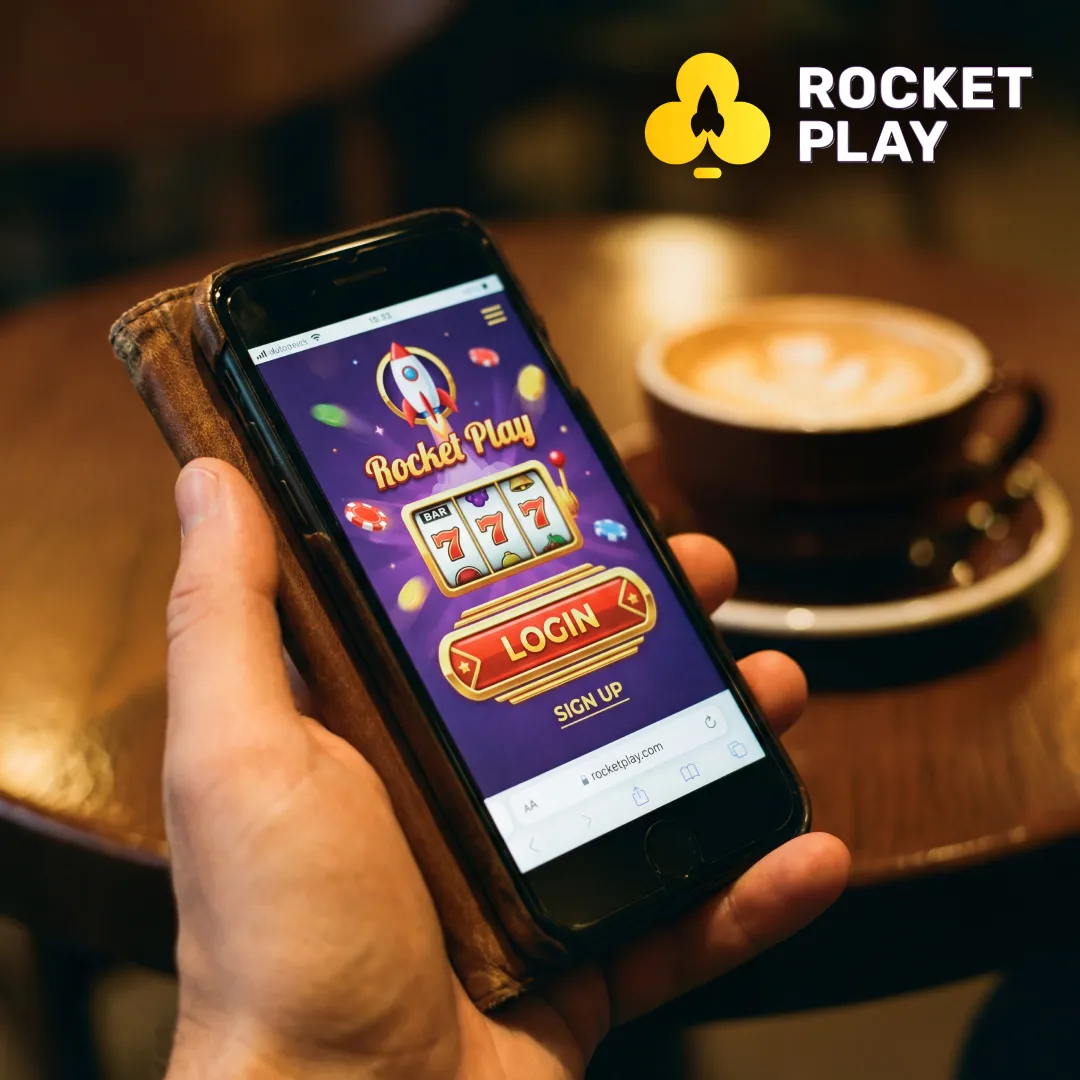
RocketPlay login needs the live mirror address, the email you signed up with and your password, and nothing else. Australian internet providers block old RocketPlay addresses on ACMA request, including two numbered mirrors in the January to March 2026 round, so the page you used last month may no longer load.
Confirm that the footer names Dama N.V. of Curaçao before you type anything into the form.
- RocketPlay Login for Australian Accounts
- RocketPlay Login Steps on a Computer
- RocketPlay Login on a Phone
- Why the RocketPlay Login Address Keeps Changing
- How to Spot a Fake RocketPlay Login Page
- Creating an Account Before Your First RocketPlay Login
- RocketPlay Login Problems and Fixes
- What RocketPlay Keeps About Your Account
- RocketPlay Login and Self-Exclusion
- RocketPlay Login FAQ
- Gambling Help in Australia
RocketPlay Login Steps on a Computer
RocketPlay login on a computer takes under a minute once you have a working mirror. The steps are the same on Windows and Mac, in Chrome, Edge, Firefox or Safari, because the casino runs as a website rather than a program:
- Open the mirror. Use a bookmark or a link you already trust instead of a search ad, since ads are where clones buy traffic.
- Check the footer. Scroll down and look for Dama N.V. as the operator before you touch the login form.
- Press Log In. The button sits in the top corner of the page, next to the registration button.
- Enter your details. Type the email you registered with and your password, then confirm the form.
- Save the page. Once your balance shows, bookmark that exact address and use it next time.
The first RocketPlay login on a new mirror is the risky one, because you cannot yet compare it with anything. Your own balance and history prove you are on the real RocketPlay casino site. If the page shows an empty account you know is funded, log out and go back to your trusted link. The same five steps work on a phone, with one difference in how the bookmark is stored.
RocketPlay Login on a Phone
RocketPlay login on a phone runs in Safari, Chrome or another mobile browser, since RocketPlay cannot list a real-money casino app for Australians in the App Store. The form, the buttons and the cashier are the same as on a computer, only stacked into a single column. Log in once, check the footer, then add the page to your home screen so the icon opens the address you already verified.
That home-screen icon solves one problem and creates another. It keeps you away from search results, which is where lookalike pages wait for typos. It also points to a single mirror, and when the ACMA has that mirror blocked, the icon opens an error page instead of your account. Delete the old icon at that point and create a new one only after the fresh address passes the same checks. The RocketPlay app page explains the shortcut on both iPhone and Android in more detail.
Why the RocketPlay Login Address Keeps Changing
Blocked domains are the reason your RocketPlay login address changes. The ACMA can ask internet providers to block a website under section 313 of the Telecommunications Act 1997, and by March 2026 that process had covered 1,564 illegal gambling and affiliate websites. RocketPlay's original address joined the list in 2022, and numbered copies keep being added: the ACMA's report for January to March 2026 names two more of them.
A blocked mirror usually fails with a browser error or a page from your internet provider rather than a casino message. Your account is not touched by the block. The balance, the bonus progress and the verification status stay on the casino's servers, and they reappear once you log in through the next working mirror. What disappears is your certainty about which address is real, and that gap is what clone operators exploit. On 16 November 2026 two Trustpilot profiles written for Australian-facing RocketPlay domains carried a notice that the company's website had closed, which shows how short-lived these addresses are.
How to Spot a Fake RocketPlay Login Page
Fake RocketPlay login pages copy the logo, the colours and even the registration form, so the design proves nothing. Site-safety scanner Gridinsoft has flagged a suspicious domain with no link to the brand name that served a page titled "Registration RocketPlay - Online Casino". The same scanner rated a RocketPlay-styled domain that was 88 days old with warning signals, and it could not confirm that another RocketPlay-titled site in German was safe.
Four signs separate a clone from the real casino:
- Missing operator. The footer names no company at all, or names a company other than Dama N.V. of Curaçao.
- Money first. The page asks for a deposit, a card number or a "verification fee" before it shows your account.
- Strange domain. The address mixes the brand with unrelated words, extra letters or a country code you did not expect.
- Pushy downloads. A pop-up insists you install an APK file or a profile before you can log in.
Any one of those signs is enough to close the tab. Clone pages exist to collect the email and password you would type into the real form, and the same pair often opens other accounts if you reuse it. Give your RocketPlay login a password you use nowhere else, and change it straight away if you typed it into a page that later failed the footer check. A clean account starts at sign-up, which is where most of these problems can be prevented.
Creating an Account Before Your First RocketPlay Login
Creating a RocketPlay account takes an email address, a password, your personal details and confirmation that you are over 18. The registration form sits next to the Log In button on every working mirror, and the email you choose there becomes your login for every future visit.
Use your real name, date of birth and address at sign-up, even though nobody checks them on the first day. RocketPlay checks identity documents before paying out. Every detail on those documents must match the account. A typo in a surname or a flat number can hold a withdrawal for days while support sorts it out. Upload photo ID and a recent proof of address soon after registration, while no money is waiting on the outcome. Deposits follow the same rule. The RocketPlay PayID page explains why a payment from someone else's account can hold a payout. Even with clean documents, a few login problems come up again and again.
RocketPlay Login Problems and Fixes
RocketPlay login problems fall into five types, and each one has a different fix. Trying the wrong fix first wastes time and, in the case of clones, can hand your password to the wrong people:
| Problem | What to do about it |
|---|---|
| Wrong password message | Use the reset link on the login form and check the inbox and spam folder of your registered email |
| Page will not load | The mirror is probably blocked, so return to your trusted link instead of searching for a new address |
| Login works but balance is empty | You are likely on a clone, so log out, close the tab and change your password |
| Account restricted after login | Contact live chat from inside the account and ask for the reason and the documents needed in writing |
| Reset email never arrives | Ask support to confirm which email the account uses, since a typo at sign-up blocks every reset |
Restrictions are the case that costs real money. Ask for every decision in writing, save the chat transcripts and keep screenshots of your balance from the day the restriction started. Write the date and the support agent's name next to each screenshot. That record matters more than usual at RocketPlay, because some account data stays out of your reach after the fact.
What RocketPlay Keeps About Your Account
RocketPlay keeps your game and transaction history on its own systems, and getting a copy later is not guaranteed. In an October 2025 Trustpilot review, a New Zealand player wrote that RocketPlay refused to share his session history, citing policy, even though he quoted his player ID in the review. The casino's public reply asked him to contact support with his details rather than addressing the history request.
Treat that as a reason to build your own record from the first login. Download or screenshot each deposit and withdrawal confirmation, note the time and the method, and keep the welcome bonus terms, including any RocketPlay no deposit bonus code, as they appeared on the day you accepted them. If a dispute starts, you will be arguing with a company in Curaçao under its own terms, and your notes may be the only evidence on your side. The same company also decides what happens if you want to stop playing.
RocketPlay Login and Self-Exclusion
RocketPlay login is not blocked by a BetStop registration. BetStop, the national self-exclusion register, covers licensed Australian online and phone wagering providers only, and RocketPlay holds no Australian licence. By 30 September 2026, 71,391 people had registered with BetStop and 43,090 had active exclusions, and none of those exclusions reach an offshore casino.
To stop RocketPlay access itself, use the self-exclusion and limit tools inside the account, then ask live chat to confirm the start date and the length of the exclusion in writing. Delete the bookmark and the home-screen icon on the same day, since both lead straight back to the login form. Deposit limits are worth setting at sign-up even if you plan to keep playing, because lowering a limit later is easier than raising one in the middle of a losing run.
RocketPlay Login FAQ
Can I log in to RocketPlay with my Google account?
I found no source that confirms a Google or Apple sign-in for RocketPlay accounts opened from Australia. The standard form takes the email and password you registered with. If a page offers a one-tap Google login under the RocketPlay name, treat it as unverified and use the standard form instead.
Why does RocketPlay log me out on my phone?
A mobile browser clears the RocketPlay session when it deletes cookies, runs in private mode or switches to a new mirror address. The account itself is fine. Log in again from your saved shortcut, and turn off automatic cookie clearing for that one site if you want to stay signed in.
Can I use one RocketPlay login on two devices?
Yes, the same email and password open the account on a computer and a phone, because RocketPlay runs in the browser on both. Log out on shared devices, and check that both bookmarks point to the same verified mirror, since one stale address is enough to send you to an error page.
What should I do if I typed my password into a clone?
Change the RocketPlay password from the real site at once, then change it anywhere else you used the same one. Contact live chat from inside the genuine account, report the time of the mistake and ask support to check for logins you did not make.
Gambling Help in Australia
Gambling is for adults 18 and over, and it can become addictive. The National Gambling Helpline takes free, confidential calls 24/7 on 1800 858 858, and Gambling Help Online offers live chat and email counselling around the clock.
BetStop blocks licensed Australian betting services but not offshore casinos, so pair any account with your own limits. Warning signs and more support options are listed on our Responsible Gambling page.
Author: James Molloy