
RocketPlay App on iPhone and Android
RocketPlay app access for Australians means the mobile website, saved as a home-screen shortcut, because no official RocketPlay casino app is available to them in the App Store or Google Play. Apple's guideline 5.3.4 requires real-money gaming apps to be licensed and geo-restricted where they are used, and RocketPlay holds no Australian licence.
Check the Dama N.V. footer once, then save that page to your home screen.
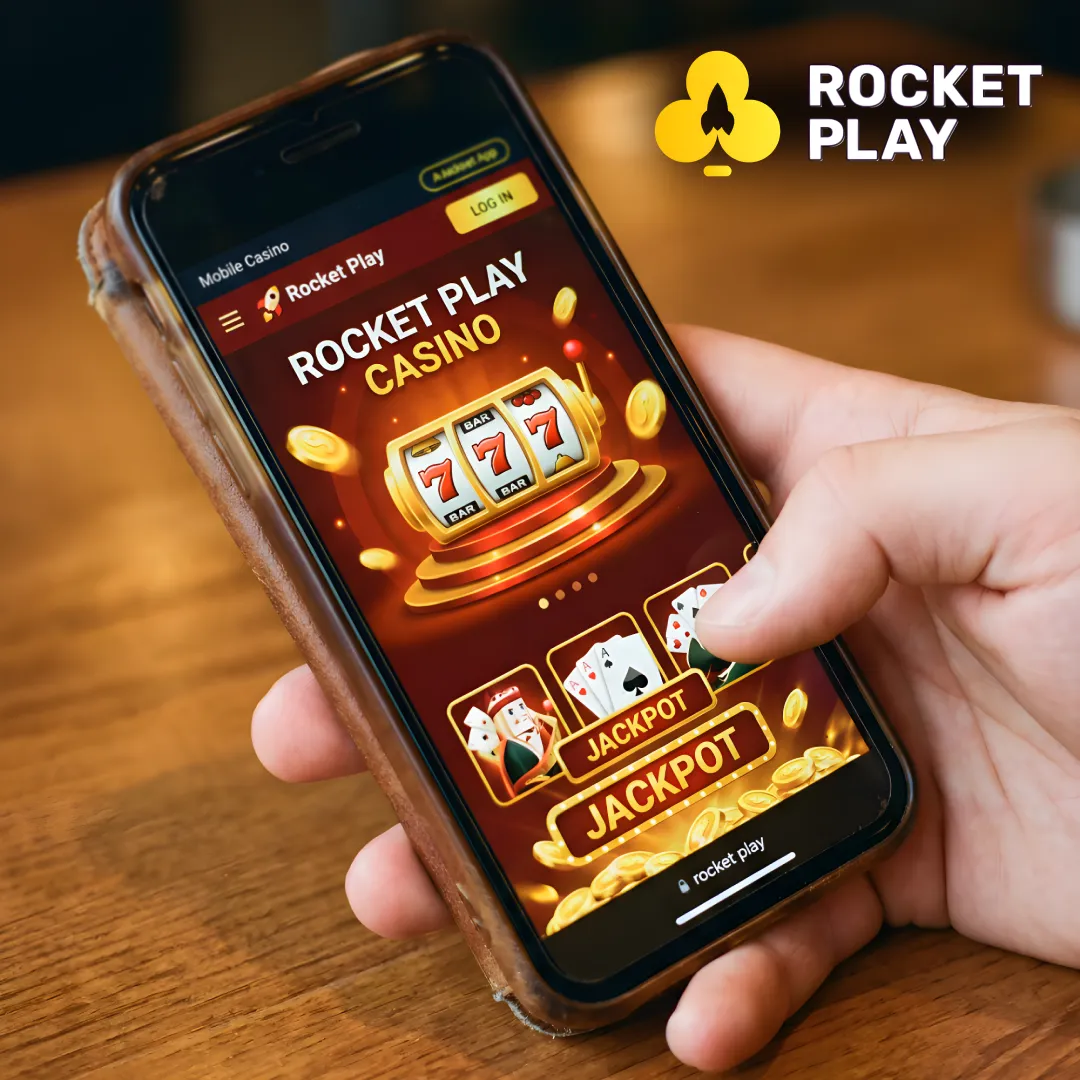
- RocketPlay App on iPhone and Android
- Is There an Official RocketPlay App
- The RocketPlay App Listing on Google Play
- How to Add a RocketPlay App Shortcut to Your Home Screen
- RocketPlay App Downloads and APK Files
- What Works in the RocketPlay App on Mobile
- RocketPlay App Login and Blocked Mirrors
- RocketPlay App Compared With Licensed Betting Apps
- RocketPlay App FAQ
- Gambling Help in Australia
Is There an Official RocketPlay App
No, RocketPlay has no official casino app that Australians can download from the App Store or Google Play. Apple's App Store Review Guidelines, section 5.3.4, require apps that offer real-money gaming to have the necessary licensing and permissions in every location where they are used, to be geo-restricted to those locations and to be free. RocketPlay's operator, Dama N.V., holds no licence from any Australian State or Territory, so it cannot meet the first condition for users here.
Apple adds a second barrier in guideline 5.3.3: apps may not use in-app purchase to buy credit or currency for real-money gaming. A RocketPlay app in the App Store would need its own payment flow, a licence for each region it serves and a geo-block on Australia, which is the opposite of what an offshore casino wants from a download.
The legal picture points the same way. The Interactive Gambling Act 2001 makes it illegal to provide online casino games, online pokies included, to anyone physically in Australia, whatever device they use. A store listing would need to pretend that law does not apply. That leaves the browser, and the browser version of RocketPlay is what every "RocketPlay app" in Australia really is. One listing in Google Play still uses the brand name, and it is worth knowing about before you search the store.
The RocketPlay App Listing on Google Play
A Google Play app named RocketPlay exists, but nothing on its listing connects it to the casino. The app tracker AppGoblin records it with the package name com.winnerpro.app, a description about sports and esports betting with live odds and 6 installs. The listing names no Dama N.V. connection and shows no sign of the casino lobby.
Treat any store app that borrows the RocketPlay name the same way. An installed app can ask for permissions a website never gets, such as access to your files, contacts or notifications, and a betting app with six installs has no track record to judge. If you already installed something under the RocketPlay name, remove it, then change the password you used inside it. A browser shortcut gives you the same one-tap start with none of those risks.
How to Add a RocketPlay App Shortcut to Your Home Screen
Adding a RocketPlay app shortcut takes about a minute on either phone system. Do it only from a mirror whose footer names Dama N.V., because the icon will open that exact address every time.
On an iPhone with Safari:
- Open the mirror. Load RocketPlay in Safari from a link you trust and confirm the operator in the footer.
- Tap Share. The share icon is the square with an arrow, found in the toolbar at the bottom or top of the screen.
- Choose Add to Home Screen. Scroll the share menu until the option appears, then tap it.
- Name the icon. Keep the name short, such as RocketPlay, and tap Add to place it on your screen.
On an Android phone with Chrome, open the verified mirror, tap the three-dot menu in the top corner and choose Add to Home screen or Install app, whichever your Chrome version shows. The icon behaves like an app, opening RocketPlay in its own window without the address bar. That missing address bar is the one drawback, since you can no longer glance at the domain. Check the footer again whenever the page looks different from your last visit.
RocketPlay App Downloads and APK Files
RocketPlay APK files offered on third-party pages are unverified software, and installing one on Android means switching on a permission to install unknown apps. Pages that use the RocketPlay name contradict each other here. Some describe a downloadable app for Android or iOS, others say the casino has no separate phone app and runs on a mobile-optimised site.
I found no RocketPlay source that names an official APK. Without a published file signature, nothing exists to check a download against. An APK from an unknown page can carry anything the author wants, and once installed it runs with whatever permissions you approve during setup. The safer rule is simple: if a site insists on a download before you can log in, leave it, because the casino itself runs in the browser. Strafe notes that RocketPlay games are built in HTML5, which is exactly why no download is needed.
Android shows a warning when you allow a browser or file manager to install unknown apps, and that warning deserves to be taken literally. If you once switched the permission on for a RocketPlay APK, remove the app, then switch the permission off again so a later link cannot install anything without your approval.
What Works in the RocketPlay App on Mobile
The RocketPlay app experience in a mobile browser covers the full site: registration, the cashier, pokies, live dealer tables and the sportsbook. Strafe explains the reason: the games are HTML5. Live tables stream in the same browser window, so a weak mobile signal shows up as a frozen video feed.
A few things feel different on a phone. Menus fold into a smaller layout, and long bonus terms are easier to read in full on a computer screen. The RocketPlay PayID answer is the same on both screens. Data use is the main practical cost, since live dealer streams use far more than a pokie spin, so switch to Wi-Fi for long sessions. Game counts match the desktop lobby for your account.
The sportsbook is the section to treat with most care on a phone. Strafe lists sports and esports betting next to the RocketPlay casino, while the Interactive Gambling Act bans online in-play betting in Australia and requires a State or Territory licence for pre-match betting online, a licence RocketPlay does not hold. Comp points will not help there either, since SiGMA reports that only slot play earns them. Logging in on mobile follows the same rules as on a computer, with one extra trap.
RocketPlay App Login and Blocked Mirrors
RocketPlay app shortcuts stop working when the ACMA has their mirror blocked, and the phone then shows a network error instead of the casino. The regulator asks internet providers to block illegal gambling sites under section 313 of the Telecommunications Act 1997, and its January to March 2026 report lists two numbered RocketPlay mirrors among 109 newly blocked sites.
Your account survives the block, since the balance and history sit on the casino's servers. The shortcut does not. Delete the dead icon, find the current mirror through your trusted link, run the footer check again and only then create a new icon. Never fix a broken shortcut by typing the brand into a search bar on your phone, because search ads are where lookalike pages wait for exactly that moment. Step-by-step login fixes are collected on the RocketPlay login page.
RocketPlay App Compared With Licensed Betting Apps
RocketPlay differs from the betting apps in Australian app stores in one way that matters: the store apps come from licensed Australian wagering providers and RocketPlay does not. Licensed bookmakers fall under BetStop, the national self-exclusion register, which had 71,391 registrations and 43,090 active exclusions by 30 September 2026. A BetStop exclusion closes those accounts and stops their marketing.
None of that reaches RocketPlay. A player who self-excludes through BetStop can still open the RocketPlay shortcut and log in, because the register has no power over an offshore casino. If you are using BetStop to take a break, delete the RocketPlay icon and the bookmark on the same day, and use the self-exclusion tool inside the RocketPlay account as well.
BetStop itself is under review. The government tabled a statutory review of the register in Parliament on 25 February 2026, and for now the scheme still stops at licensed Australian providers. Until that changes, closing offshore casino access is a job you do yourself, one account and one shortcut at a time. The RocketPlay no deposit bonus page explains why a bonus deadline can make a break harder to keep.
RocketPlay App FAQ
Does RocketPlay work on an iPad or tablet?
Yes, RocketPlay runs in Safari or Chrome on a tablet the same way it runs on a phone, because the site and its HTML5 games adapt to the screen. Add the verified mirror to the home screen on the tablet too, and keep both shortcuts pointing to the same address.
Is the RocketPlay mobile site slower than an app?
Speed depends on your connection more than on the format. A pokie spin needs little data, while live dealer tables need a steady connection for the video stream. Closing other browser tabs helps more than any download would.
Can I get push notifications from RocketPlay on my phone?
A browser shortcut can show notifications only if you allow them in the site settings, and you do not need them to play. Every current offer is also listed in the promotions tab of your account, so notifications can stay off.
What happens to my RocketPlay app icon if the site moves?
The icon keeps pointing to the old address, which then fails to load once blocked. Delete it, open the current mirror from your trusted link, confirm Dama N.V. in the footer and create a new icon from that page.
Does the RocketPlay app support Face ID or fingerprint login?
I found no RocketPlay source that confirms its own biometric login. Your phone's password manager can still fill the saved RocketPlay password after Face ID or a fingerprint scan, which gives the same speed without installing anything, as long as the saved entry belongs to the verified mirror.
Gambling Help in Australia
Gambling is for adults 18 and over, and it can become addictive. The National Gambling Helpline takes free, confidential calls 24/7 on 1800 858 858, and Gambling Help Online offers live chat and email counselling around the clock.
A casino on your home screen is one tap away at any hour, so set deposit and session limits inside the account before you add the icon. BetStop does not cover offshore casinos, and more help is listed on our Responsible Gambling page.
Author: James Molloy